Ranked #1

MRPeasy
Production plus CRM
$49Starter, per user per month
- Best for
- Small manufacturers needing affordable MRP and ERP
- Free plan
- No
- Rubric
- 7.5 / 10
Eight manufacturing MRP systems ranked by production fit, pricing clarity, and implementation load, with notes on what each one does well and where it falls short in November 2026.
 Prices checked November 25, 2026
For November 2026, the best MRP software for manufacturing depends on shop size and complexity. MRPeasy suits small manufacturers that want production, inventory, and CRM in one affordable per-user system. Katana fits direct-to-consumer brands that need visual production planning tied to their storefront. Fishbowl is the practical pick for QuickBooks users adding manufacturing and warehouse control. Eight tools follow, each scored on production depth, pricing clarity, and implementation load.
Production plus CRM
$49Starter, per user per month

Visual production board
$1,500Advantage, per month, scoped custom, annual contract

QuickBooks manufacturing layer
$229Essentials, per month, billed annually, includes 2 users
Disclosure for this page: All 8 tools here are unpaid editorial picks. The position of a paid listing can be part of what the vendor pays for. How we handle paid listings.
| Tool | Best for | Free plan | Actions | |||
|---|---|---|---|---|---|---|
| 1 | MRPeasy | Small manufacturers needing affordable MRP and ERP | $49Starter, per user per month | No | ||
| 2 | Katana | Direct-to-consumer brands needing visual production planning | $1,500Advantage, per month, scoped custom, annual contract | Yes | ||
| 3 | Fishbowl | QuickBooks users adding manufacturing and warehouse control | $229Essentials, per month, billed annually, includes 2 users | No | ||
| 4 |  Cin7 | Manufacturers selling across multiple channels and marketplaces | $349Standard, per month, 5 users included | No | ||
| 5 | Odoo | Manufacturers wanting a full ERP suite at value pricing | $7.25Standard, per user per month, billed yearly | No | ||
| 6 | NetSuite | Growing enterprise manufacturers with complex multi-entity operations | See websitecustom quote | No | ||
| 7 |  inFlow | Light manufacturers and assemblers needing simple inventory control | See website | No | ||
| 8 | Stocksmith | Small-batch makers in food, cosmetics, and crafts | $41Studio, per month, main plans from $83 per month billed annually | No |
Every tool here was scored against the same five criteria: production depth, pricing clarity, implementation load, inventory fit, and ecosystem fit. Production depth carries the most weight because MRP software lives or dies on bills of materials, scheduling, and work order control. Pricing clarity and implementation load follow, since a cheap license attached to a six-month rollout is not cheap. Inventory fit and ecosystem fit cover material tracking and the connections to accounting, storefronts, EDI, and 3PLs that decide whether the system survives its first year.
Prices, plan names, seat counts, and trial terms come from vendor pricing pages checked on 2026-11-26. Each entry flags where a published figure differs from earlier vendor material or where no price could be confirmed. Where a vendor quotes rather than publishes, we say so instead of estimating a number.
A Featured position is a paid placement. It is scored on this same rubric, appears with the same kind of honest cons as every other entry, and never changes how the other tools are assessed.
The order you see is editorial. It reflects which buyer each tool fits best in the manufacturing category, not a weighted total of the scores.
The full process, including how we handle corrections, is on the methodology page. Paid listings follow our advertising disclosure.
| Criterion | Weight | What we check |
|---|---|---|
| Production Depth | 30% | How far the system goes on bills of materials, scheduling, work orders, and shop floor control. |
| Pricing Clarity | 20% | Whether entry prices, plan limits, and add-on costs are published and easy to compare. |
| Implementation Load | 20% | How much setup time, partner help, and data cleanup a typical manufacturer needs before go live. |
| Inventory Fit | 15% | How well material, lot, and multi-warehouse tracking match the way the shop actually builds product. |
| Ecosystem Fit | 15% | How cleanly the tool connects to accounting, storefronts, EDI, and third-party logistics. |
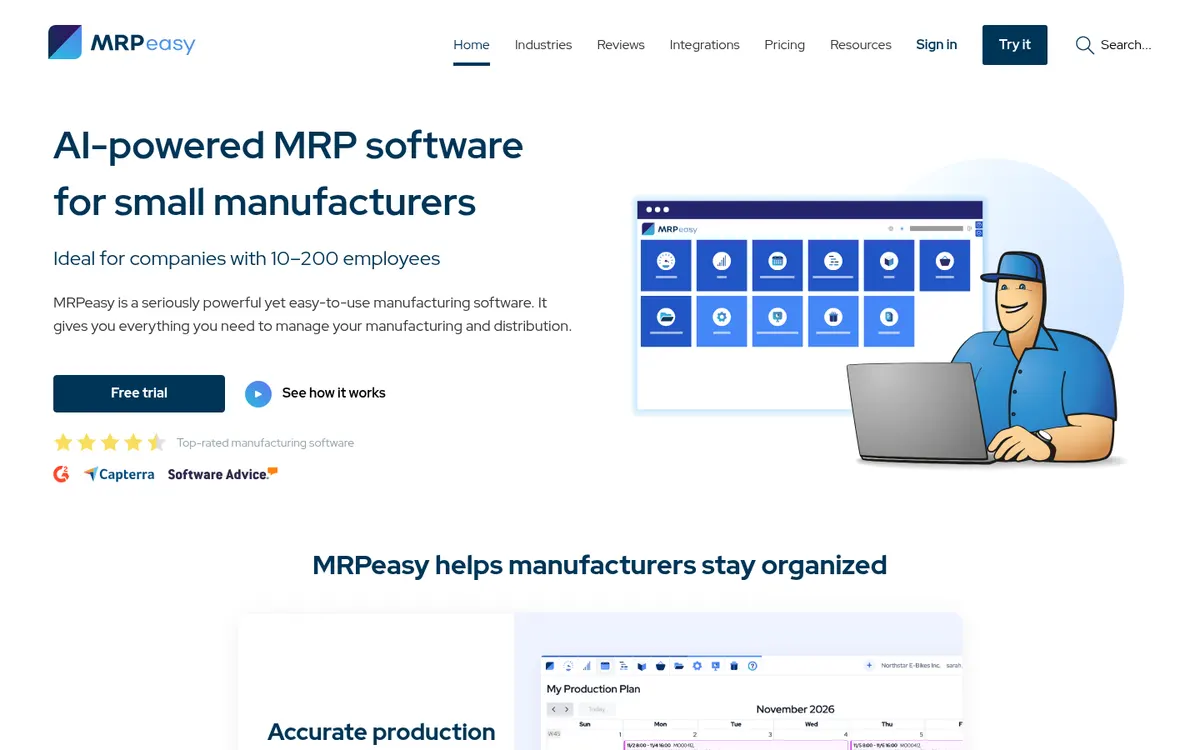
Affordable per-user entry pricing, with production, inventory, and CRM in one system for small shops.
MRPeasy is cloud MRP built for smaller manufacturing operations. A single subscription covers production planning and scheduling, a master production schedule, bills of materials, work orders, procurement, and inventory, and it adds a light CRM so quote and order conversations sit next to the build schedule. For a shop moving off spreadsheets, that combination removes several disconnected tools at once. Pricing runs from $49 per user per month on the Starter plan, the same entry figure the vendor pricing page showed when we checked on 2026-11-26. Per-user billing keeps a small team cheap, but the cost tracks headcount, and advanced capabilities sit in higher tiers, so the entry price is not the whole story. The free trial runs 15 + 15 days, long enough to load real bills of materials and test a scheduling cycle before you commit. The trade-off is polish. The interface is functional rather than modern, and limited polish is the main weakness. Bills of materials and work orders are present, while advanced capabilities sit in higher tiers. Pick it if you run a small plant or contract shop that wants production, inventory, purchasing, and CRM in one affordable per-user system and can live without a slick interface.
You are a small manufacturer who wants planning, stock, purchasing, and CRM in one affordable per-user product.
Your planners need a more polished interface or advanced capabilities.
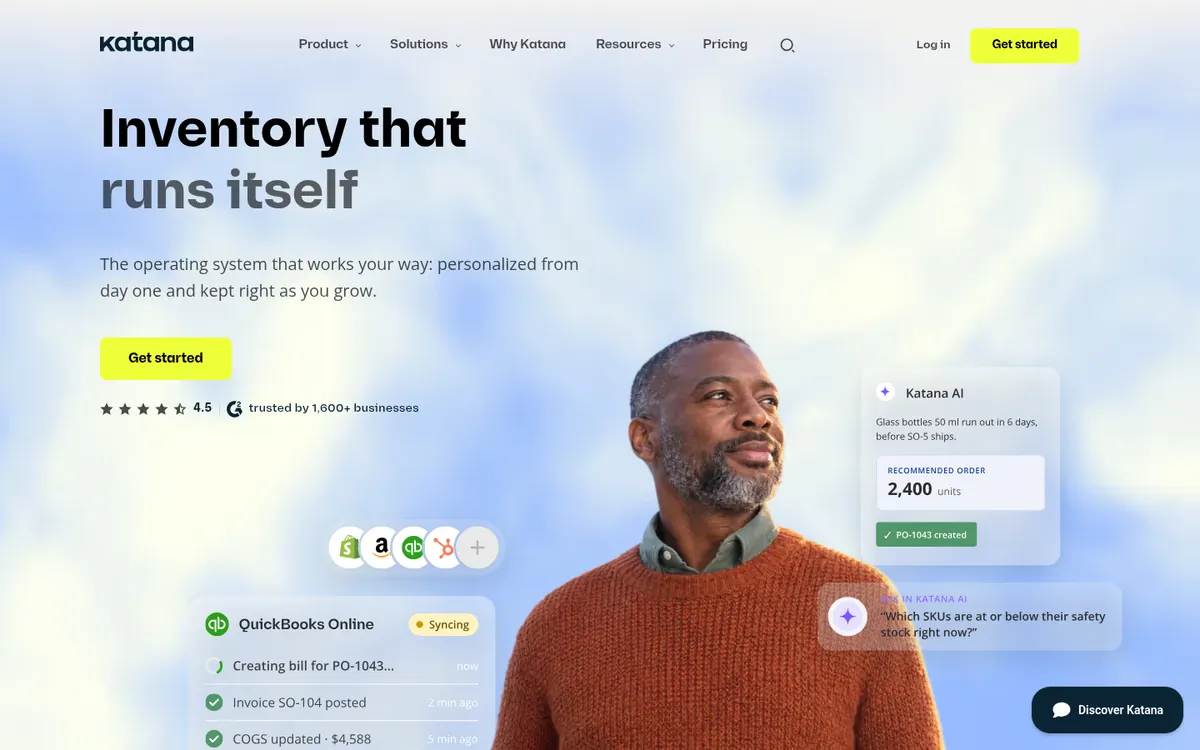
A visual production planner in this list, though the jump from a 30 SKU free plan to $1,500 per month is steep.
Katana approaches manufacturing from the visual side. Raw material and finished goods levels update in real time, and the visual workflow supports production planning. For a direct-to-consumer brand, that visibility is the point: you can see whether a batch will land before the next campaign. Integration is where it earns its place. Shopify, WooCommerce, and QuickBooks connectors tie storefront orders and accounting to the same inventory record, so selling a unit and consuming a component stop being separate events. Small sellers can start on the free plan, which covers up to 30 SKUs, and that is a real on-ramp rather than a countdown timer. The paid step is steep. Beyond the free tier, the Advantage plan runs $1,500 per month as a scoped custom package on an annual contract, so the jump is aimed at funded brands with volume, not a two-person workshop. Pricing is not published in a self-serve grid, so scope conversations matter more than a quick signup. Depth is the other limit, with less depth for complex multi-site operations. Treat it as a production and inventory layer for online sellers, not as a full ERP replacement. Pick it if you sell direct to consumers and need storefront orders, materials, and production on one visual board. Skip it if you run multi-site manufacturing or need enterprise costing.
You are a direct-to-consumer brand that wants visual production planning wired into your storefront and accounting.
Your budget is tight once you pass 30 SKUs, or if you run several production sites.
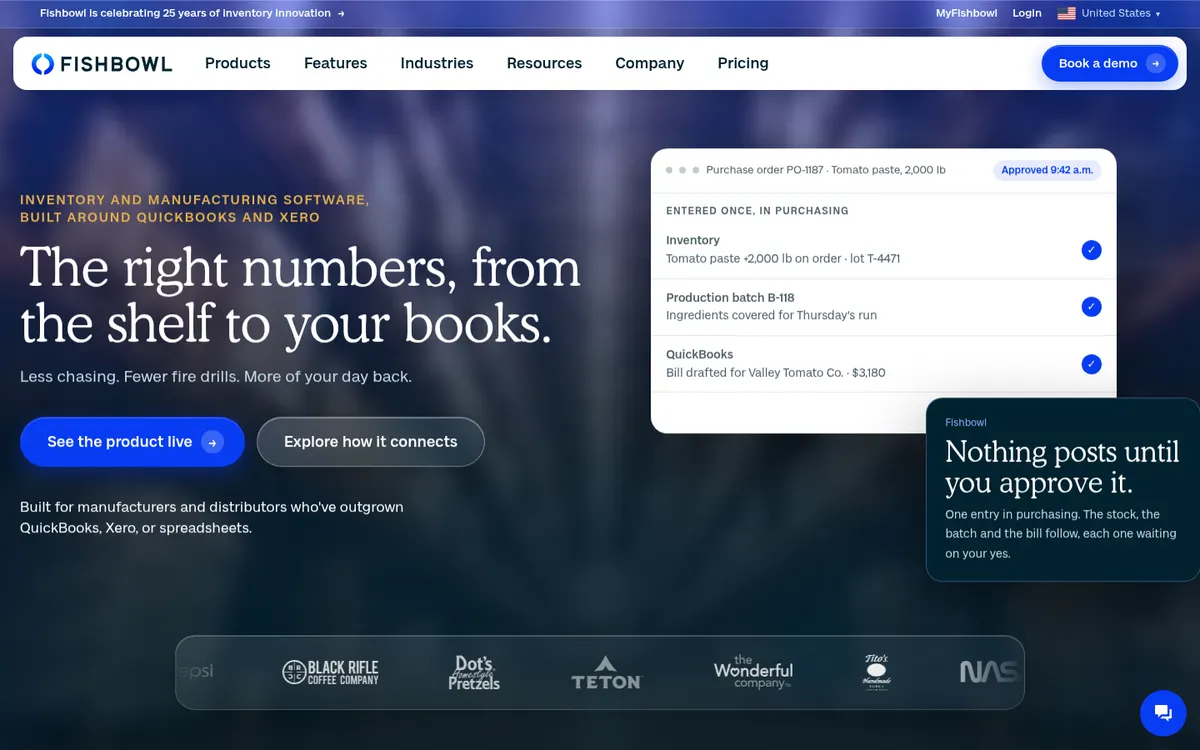
A mature QuickBooks add-on for manufacturing and warehouse control, held back by quote-based tiers and heavy implementation.
Fishbowl is the familiar answer for QuickBooks users who outgrew spreadsheets. It layers bills of materials, work orders, manufacturing planning, barcoding, and multi-warehouse inventory control onto QuickBooks rather than replacing the accounting you already trust. The company was established in 2001, and its warehouse and manufacturing features are mature. Pricing starts at $229 per month on Essentials, billed annually, with two users included. Advanced Manufacturing plans are quoted and start around $675 per month, so real cost depends on which modules and user count you need. No free trial appears in the plan data we checked on 2026-11-26, which means evaluation happens through a demo and a scoping conversation rather than a self-serve signup. That is also where projects slow down. Implementation can be involved, and quote-based tiers make budget approval harder than a published pricing sheet would. The payoff is a single book of record: QuickBooks stays in place while production gains work orders and inventory control. Pick it if your books live in QuickBooks and you want manufacturing and warehouse control without a second accounting system. Skip it if you need a fast self-serve start or transparent pricing for advanced modules.
QuickBooks is your book of record and you want bills of materials, work orders, and barcoding layered on top.
You want a self-serve trial or need every manufacturing module priced up front.
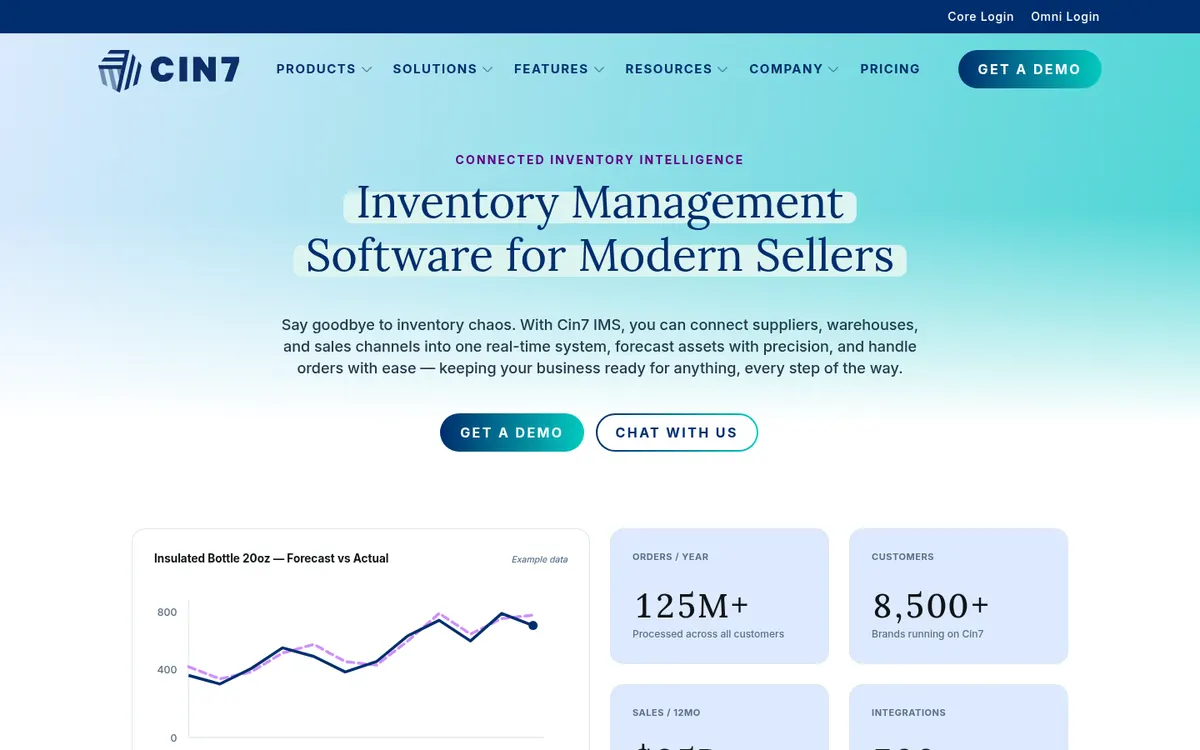
Strong multichannel inventory and order routing for manufacturers who sell widely, with a focus on inventory and order management.
Cin7 is inventory and order software built for sellers who move stock through several channels at once. Manufacturers using it get multichannel inventory management, order management, warehouse management, EDI and 3PL integrations, and marketplace connectivity, with support for both B2B and B2C selling. If half your volume ships from a marketplace and the other half goes to wholesale accounts, that is the problem it solves. Pricing starts at $349 per month on the Standard plan with five users included, and the Omni tier runs $599 per month. Our latest plan detail lists a 14-day free trial, so confirm trial terms on the vendor site before planning a pilot, since earlier notes flagged sales as demo-led with no trial. Either way, expect a guided evaluation rather than an instant signup. The vendor says the platform processes over 125 million orders annually, which speaks to order volume but not to manufacturing depth. The feature list centers on inventory and order management, and the full Omni product carries real implementation complexity once you add EDI trading partners and multiple warehouses. Where it wins is inventory truth. One stock record across storefronts, marketplaces, and 3PLs stops the overselling and manual reconciliation that plague growing brands, and the connector library does most of the work. Pick it if your constraint is channel sprawl and you need inventory accuracy across storefronts, marketplaces, and 3PLs. Skip it if you need deep shop floor scheduling or a low-cost start.
You sell through several channels and need one inventory record across marketplaces, wholesale, and 3PLs.
Shop floor scheduling is your bottleneck or you want a lower entry price.
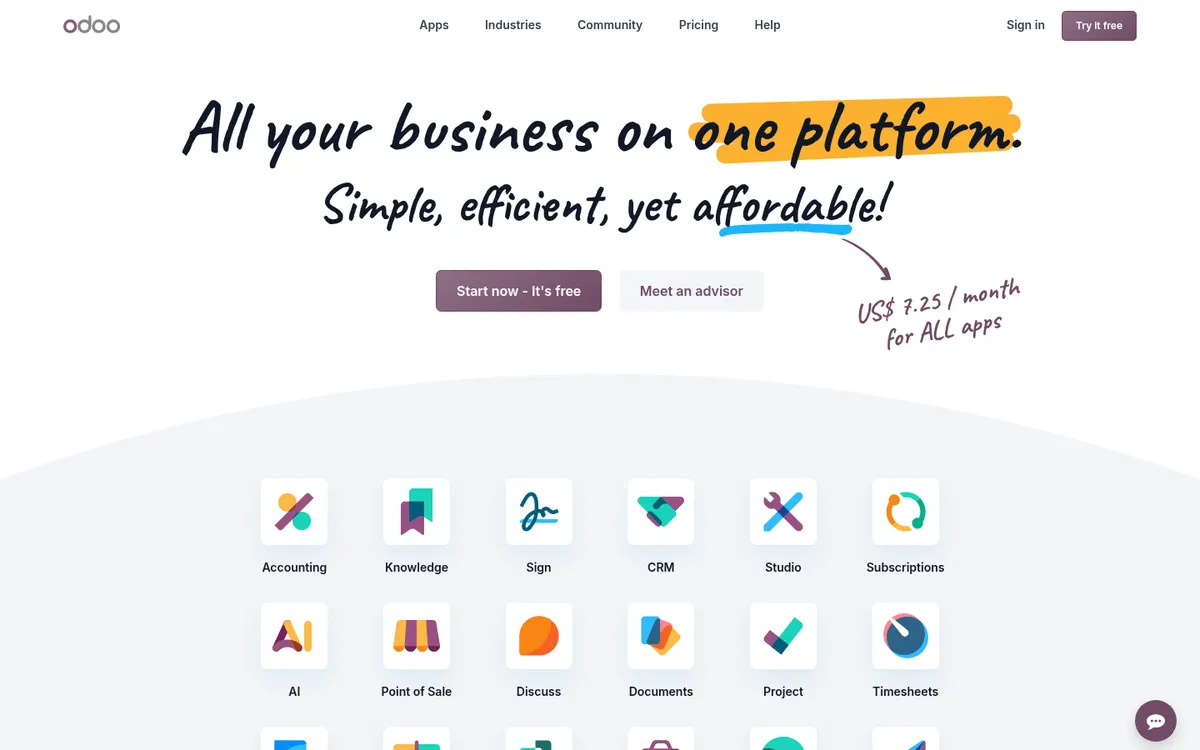
Full ERP breadth at a per-user price, but manufacturing depth depends on configuration work and the partner you pick.
Odoo is the value play in this list, as long as you price the work as well as the license. Manufacturing orders, bills of materials, work centers, routings, quality control, and maintenance live inside one suite that also covers inventory, sales, accounting, and HR. Because the modules sit in one suite, a work order and its invoice can live in the same system rather than an integration project. The pricing page we checked on 2026-11-26 leads with $7.25 per user per month on the Standard plan when billed yearly, and one app is free forever with unlimited users. Earlier notes carried $31.10 per user per month billed annually, so confirm which plan and billing term applies to your seat count before you budget. Per-user pricing stays cheap for small teams and gets expensive across a large admin population. Depth is conditional. Odoo can run serious manufacturing, but only after configuration: work centers, routings, and quality control need someone who knows the setup. The large open-source community helps, and the quality of your implementation partner shapes the outcome more than the license price does. For a mid-sized manufacturer that wants one system for finance and production without enterprise licensing, that trade is often worth it. For a shop that needs planning live in two weeks, it usually is not. Pick it if you want a full ERP suite on per-user pricing and have the patience or partner to configure manufacturing properly. Skip it if you need a narrow MRP that works out of the box next week.
You want manufacturing, inventory, accounting, and HR in one suite and can invest in configuration.
You have no internal owner for setup or want to avoid configuration work.
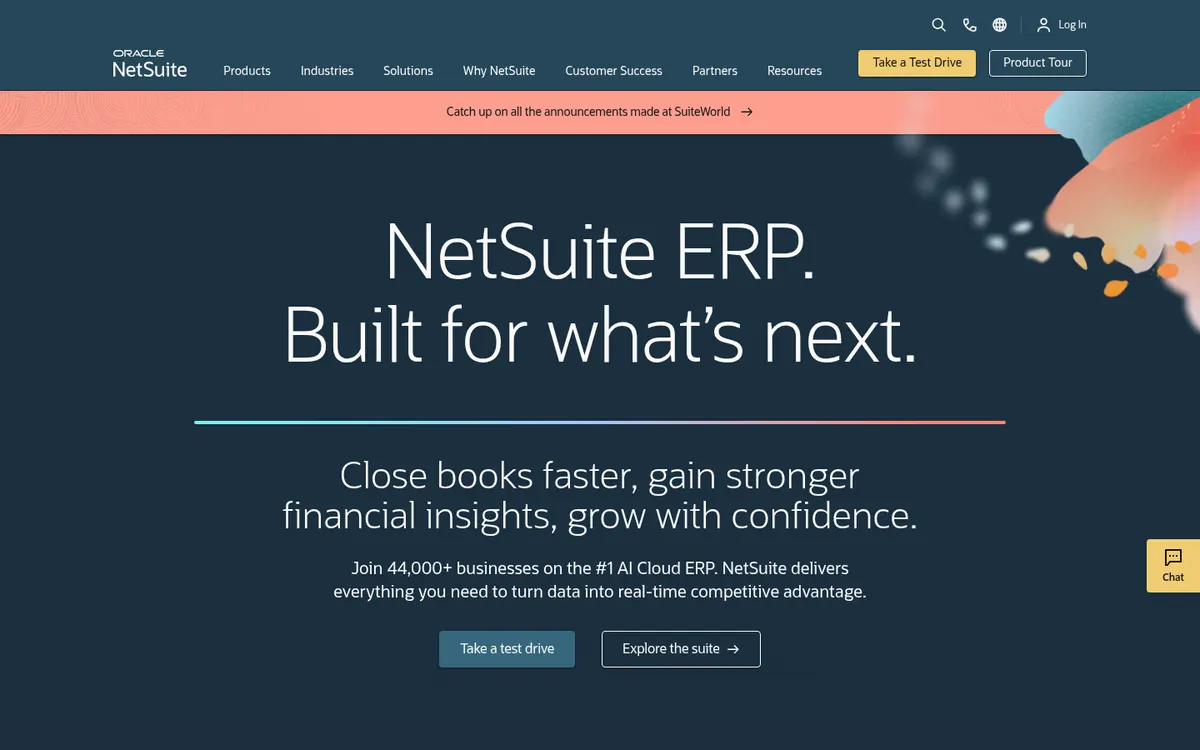
Enterprise-grade financials and multi-entity manufacturing in one cloud system, priced by quote and sized for complex organizations.
NetSuite is the enterprise option in this list. Oracle's cloud ERP combines financial management, manufacturing management, inventory management, CRM, and e-commerce with multi-entity and multi-currency support, so a manufacturer with plants, subsidiaries, or resale entities in more than one country can consolidate in one system. For a growing company preparing for audit or acquisition, that breadth is often the reason to buy. You will not find a price. NetSuite quotes every deal, and the vendor offers a product tour and test drive rather than public plans or a free trial. Budget conversations usually cover licensing, implementation, and ongoing administration, and all three matter. That makes it a poor fit for small shops. Implementation takes significant time and cost, needs internal ownership, and benefits from a partner, which is a strength for complex rollouts and a cost for simple ones. Manufacturing and inventory management are deep, but you pay for capability you may not use. The honest case for NetSuite is consolidation. When separate systems for finance, inventory, and CRM start disagreeing with each other, one governed platform is worth the premium and the project plan. Pick it if you are a scaling or multi-entity manufacturer that needs financials and operations in one governed system and can fund a serious rollout. Skip it if you are a single-site shop shopping on price.
You operate across entities or currencies and need manufacturing and financials consolidated in one governed ERP.
You are a single-site shop that needs a confirmed price before the first call.
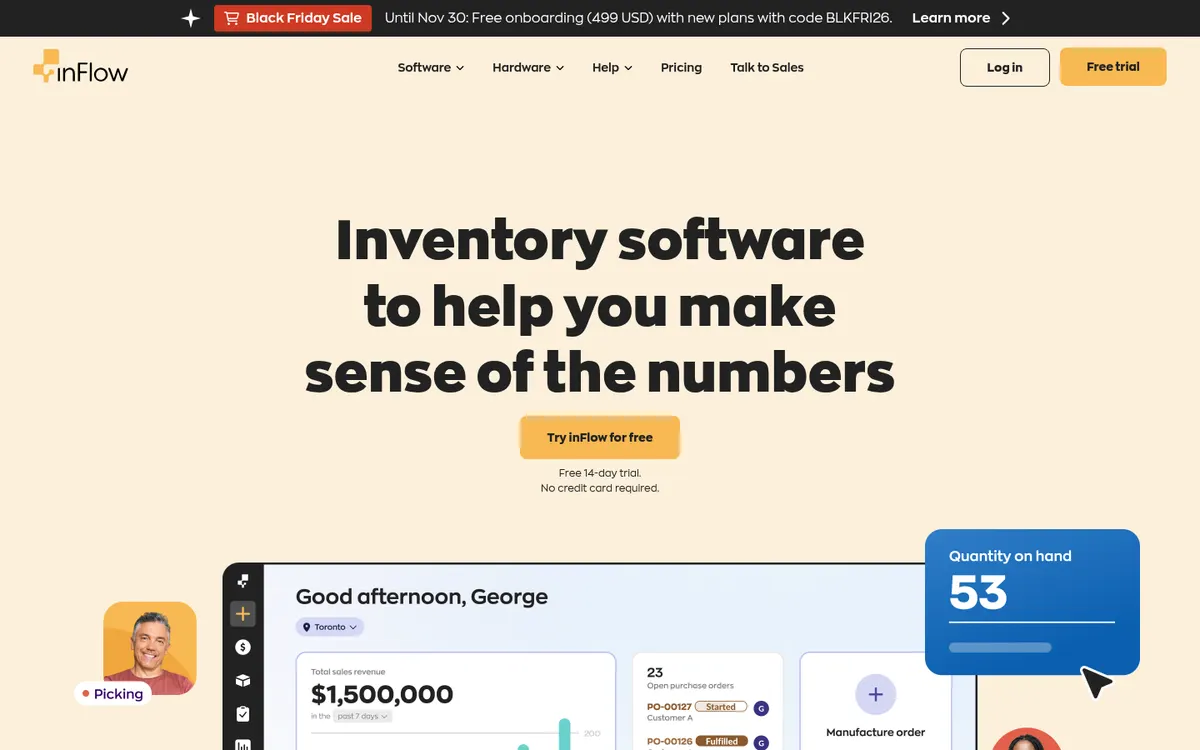
Simple inventory with just enough manufacturing for light assembly and kitting, though MRP depth runs out quickly as complexity grows.
inFlow is inventory software that grew manufacturing features, not an MRP system that added inventory. You get bills of materials, work orders, barcoding, a pick-pack-ship workflow, and assembly and kitting support on top of core stock control, which covers light assembly and simple builds without the planning machinery of a dedicated MRP. That makes it easy to learn and deploy. Barcode scanning is strong, and pick-pack-ship is a core part of the product. Wholesalers that assemble kits or add components before shipping are the natural audience, and so are small assemblers with a short bill of materials. The limits show up as volume and complexity rise. MRP depth is lighter than dedicated systems, so a shop with more complex needs will outgrow it. Manufacturing features are basic. Pricing is not published in the data we checked on 2026-11-26, and the vendor pricing page did not return a confirmed figure, so treat cost as a conversation. Ask for a quote against your user count and order volume before assuming it undercuts the entry prices above. Pick it if you are a light manufacturer or assembler who needs simple stock control and kitting with a short learning curve. Skip it if scheduling, capacity, and costing drive your decisions.
You assemble kits or light products and want barcoded stock control without a long rollout.
You need deeper MRP planning or a published price today.
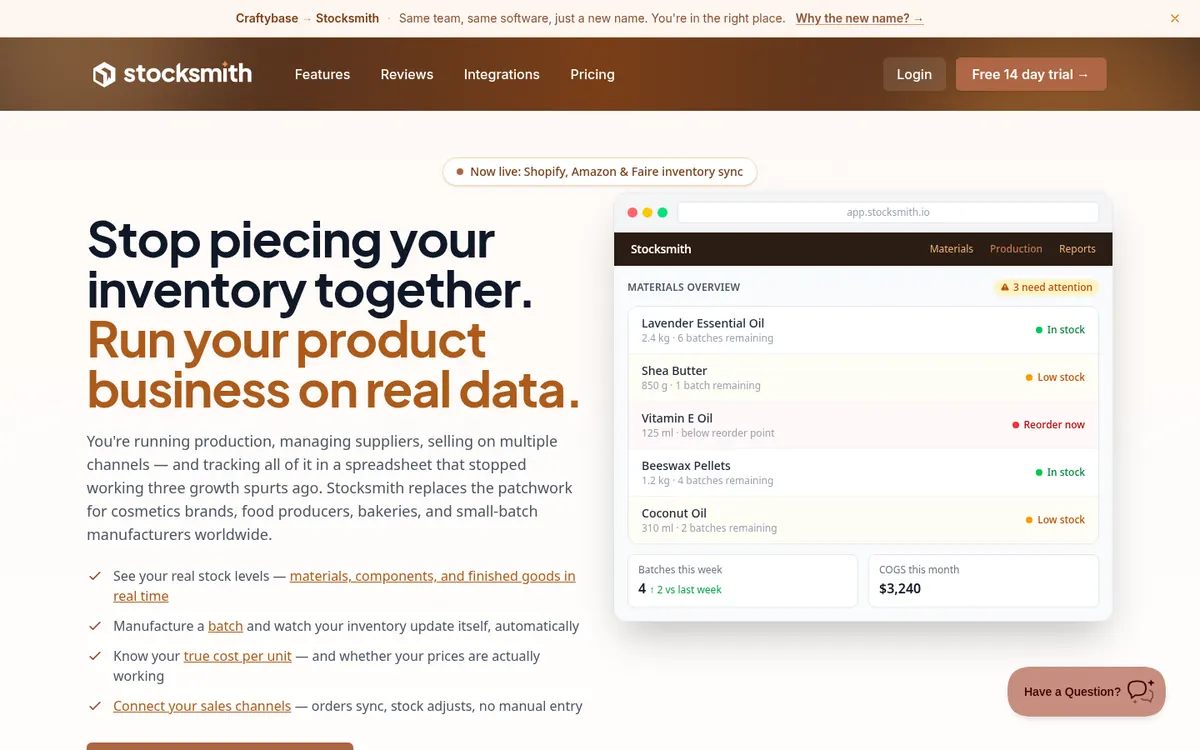
Genuine unit costing and multi-level BOMs for small-batch makers, from $41 per month on the Studio plan.
Stocksmith is the small-batch specialist. Formerly Craftybase, it now operates at stocksmith.io and targets food, cosmetics, skincare, and craft producers who need to know what a single unit actually costs. Multi-level bills of materials sit on every plan, materials deduct automatically as you build, and unit costing plus cost of goods sold tracking update as component prices move. That costing focus is the differentiator. For a maker selling through markets, a website, and a few wholesale accounts, margin drift on a recipe or formula is the quiet killer, and Stocksmith treats cost per unit as the central number rather than a report you run quarterly. Pricing is published. Studio starts at $41 per month, with main plans from $83 per month billed annually, and a 14-day free trial requires no credit card, so you can test a real bill of materials before paying. For a producer with a few dozen SKUs and frequent ingredient price changes, that is enough structure without a full production suite. Two cautions. The Craftybase rebrand can confuse searches, so verify you are on the current site before comparing plans. And it is not intended for large factories. Pick it if you make food, cosmetics, or crafts in small batches and need true unit costing and COGS. Skip it if you run a factory with routings and capacity constraints.
You produce food, cosmetics, or crafts in small batches and need cost per unit to be accurate.
You run a large factory.
MRP software answers one question repeatedly: what do we need to buy or build, and when? Material requirements planning takes demand from sales orders, forecasts, and the master production schedule, explodes it through bills of materials, nets it against stock and open purchase orders, and produces a plan of work orders and purchase orders. Done well, that loop runs daily rather than quarterly.
Manufacturing teams typically buy it for a few jobs:
Adjacent software gets confused with it. Inventory tools track stock. ERP suites bundle MRP with accounting, CRM, and HR. The overlap is real: MRPeasy and Odoo cover both, Fishbowl adds manufacturing on top of QuickBooks, and inFlow offers assembly and kitting without full planning. Choose by the constraint you actually have, whether that is material planning, cost visibility, or channel complexity. A tool built for one job usually does it better than a suite stretched to cover everything.
This comparison sits on the Software desk. Readers comparing neighbouring stacks often check our guides to demand forecasting software and glp 1 companies next.
Most manufacturing MRP pricing falls into several shapes, and the shape matters more than the headline number. Per-user plans look cheap at entry and grow with headcount. Flat plans include a set number of seats and charge for extras. Scoped packages bundle users and modules into one negotiated fee. Quote-only deals hide the number until a sales call.
| Model | How it bills | Typical fit | Example from this list |
|---|---|---|---|
| Per user per month | Subscription scaled by named users | Teams that grow slowly and want cost tied to seats | MRPeasy at $49 per user per month; Odoo at $7.25 per user per month billed yearly |
| Flat monthly with included users | One fee covering a set number of seats | Small teams with a fixed roster | Fishbowl Essentials at $229 per month billed annually with two users; Cin7 Standard at $349 per month with five users |
| Scoped custom, annual contract | Negotiated package on a yearly term | Brands with volume and integration needs | Katana Advantage at $1,500 per month |
| Quote only | Vendor quotes licensing, implementation, and add-ons | Larger or multi-entity operations | NetSuite, custom quote |
| Free tier plus paid upgrade | Free entry, paid when limits bite | Very small sellers testing the workflow | Katana free plan up to 30 SKUs; Odoo one app free with unlimited users |
Every price above was checked on the vendor's own pricing page on November 25, 2026. Where a vendor does not publish a figure we write "See website" instead of guessing. To compare annual and monthly billing quickly, try the free percentage calculator.
MRPeasy, Stocksmith, and inFlow suit small manufacturers in this list. MRPeasy starts at $49 per user per month and covers production, inventory, procurement, and CRM. Stocksmith starts at $41 per month on Studio for small-batch food, cosmetics, and craft producers who need unit costing. inFlow suits light assembly and kitting when planning depth matters less than an easy rollout.
MRP plans materials and production; ERP runs the whole business. An ERP adds financials, CRM, HR, and often e-commerce to the manufacturing core. MRPeasy and Fishbowl sit closer to MRP with extras, Odoo bundles a full suite on per-user pricing, and NetSuite sells multi-entity ERP by quote. Buy MRP when planning is the bottleneck, and ERP when reporting across departments is.
Confirmed entry points in this list include Stocksmith Studio at $41 per month, Odoo at $7.25 per user per month billed yearly, MRPeasy at $49 per user per month, Fishbowl at $229 per month billed annually with two users, and Cin7 Standard at $349 per month. Mid-market and enterprise tiers move to scoped or quoted pricing, such as Katana Advantage at $1,500 per month and NetSuite by custom quote.
Katana offers a free plan up to 30 SKUs, and Odoo gives one app free with unlimited users. MRPeasy runs a 15 + 15 day free trial, Cin7 lists 14 days, Stocksmith offers 14 days with no credit card, and inFlow lists a free trial. Fishbowl shows no trial in our data, and NetSuite offers a demo only.
The product rebranded from Craftybase to Stocksmith and now operates at stocksmith.io, keeping its focus on small-batch food, cosmetics, and craft producers. Pricing is published again, with Studio at $41 per month and main plans from $83 per month billed annually, and a 14-day free trial needs no credit card. Multi-level BOMs sit on every plan.
QuickBooks handles books, not bills of materials or work orders. Fishbowl adds manufacturing planning, work orders, barcoding, and multi-warehouse inventory on top of QuickBooks, so accounting stays where it is while production gains structure. That keeps one book of record and avoids running a second finance system alongside production.
Browse every comparison on the Software desk, with the same rubric and dated prices.